Automate WhatsApp Customer Conversations with Business Workflows
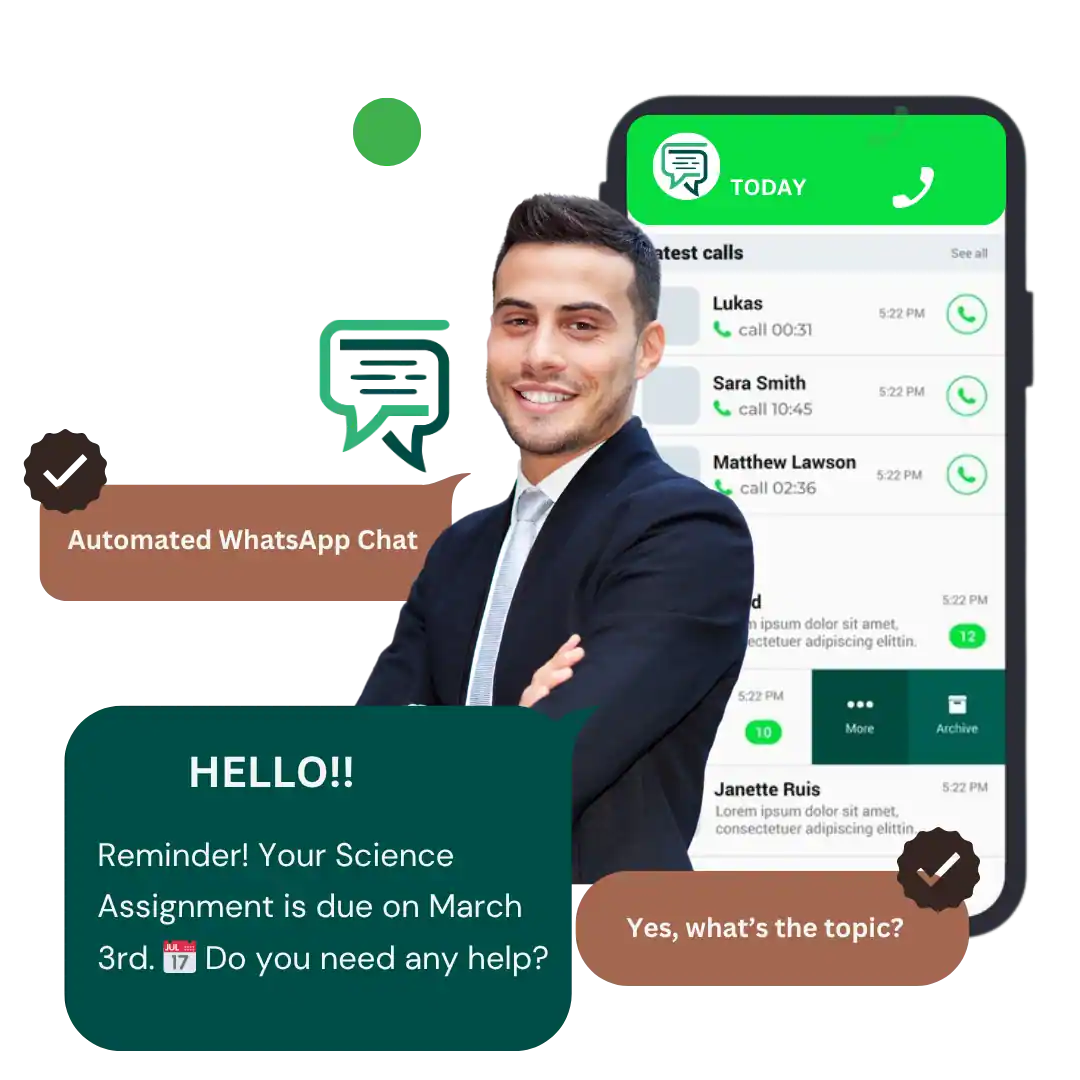
Use WhatsApp conversation automation to send instant updates for orders, form submissions, or important user actions. Keep customers informed with real-time notifications and automate WhatsApp chats for smoother, faster communication.
By automating repetitive interactions, you reduce manual work, improve response speed, and enhance overall WhatsApp customer engagement. Consistent updates help build trust and maintain seamless communication without requiring any additional effort from your team.
Customer conversations often involve repeated questions, status checks and follow-up tasks. WhatsApp conversation automation helps a business respond more consistently by connecting supported events and customer actions to predefined workflows. With WatConnect, review the automation options available for your setup, identify which steps can be automated and decide when a conversation should move to a human team member. The aim is to reduce repetitive manual work without making customer support feel impersonal.
How It Works
Order Updates
Form Submissions
Action-Based Triggers
What Is WhatsApp Conversation Automation?
Explain triggers, conditions, actions, templates and human handover, with simple definitions and practical examples of how each step works in an automated conversation.
Examples of Customer Workflows
Cover new enquiry acknowledgement, lead qualification, appointment confirmation, order status updates, payment reminders and support triage, based on supported workflow triggers.
How to Build an Automated WhatsApp Workflow
Explain how to map customer events, select triggers, define conditions, choose responses or templates, configure fallback options and test workflows before launch.
Automate Repetitive Replies
Explain which common FAQs and repetitive queries can be automated, when human support is needed and how customers can be transferred to a support agent.
Connect Forms, CRM and Business Events
Describe available form and CRM integrations, API or webhook options, and clarify when connecting external systems requires custom development.
Monitor Workflow Outcomes
Explain available activity logs, workflow events and tracking options, including how to identify failed triggers, unanswered messages and delayed human handovers.
Key Benefits of WhatsApp Conversation Automation
Automate routine conversations and avoid manual follow-ups. WatConnect manages replies instantly, helping your team save hours while ensuring consistent communication through WhatsApp conversation automation.
Deliver timely, personalized responses using automated WhatsApp chats that make customers feel valued. This leads to smoother interactions and better overall experience.
Send instant notifications triggered by user actions, reducing delays and improving response rates. Faster interactions help maintain attention and increase customer engagement.
Optimize workflows using WhatsApp chatflow builder tools that streamline your communication pipeline. Automating repetitive tasks allows your team to focus on high-value work and long-term WhatsApp lead nurturing.
Use Cases
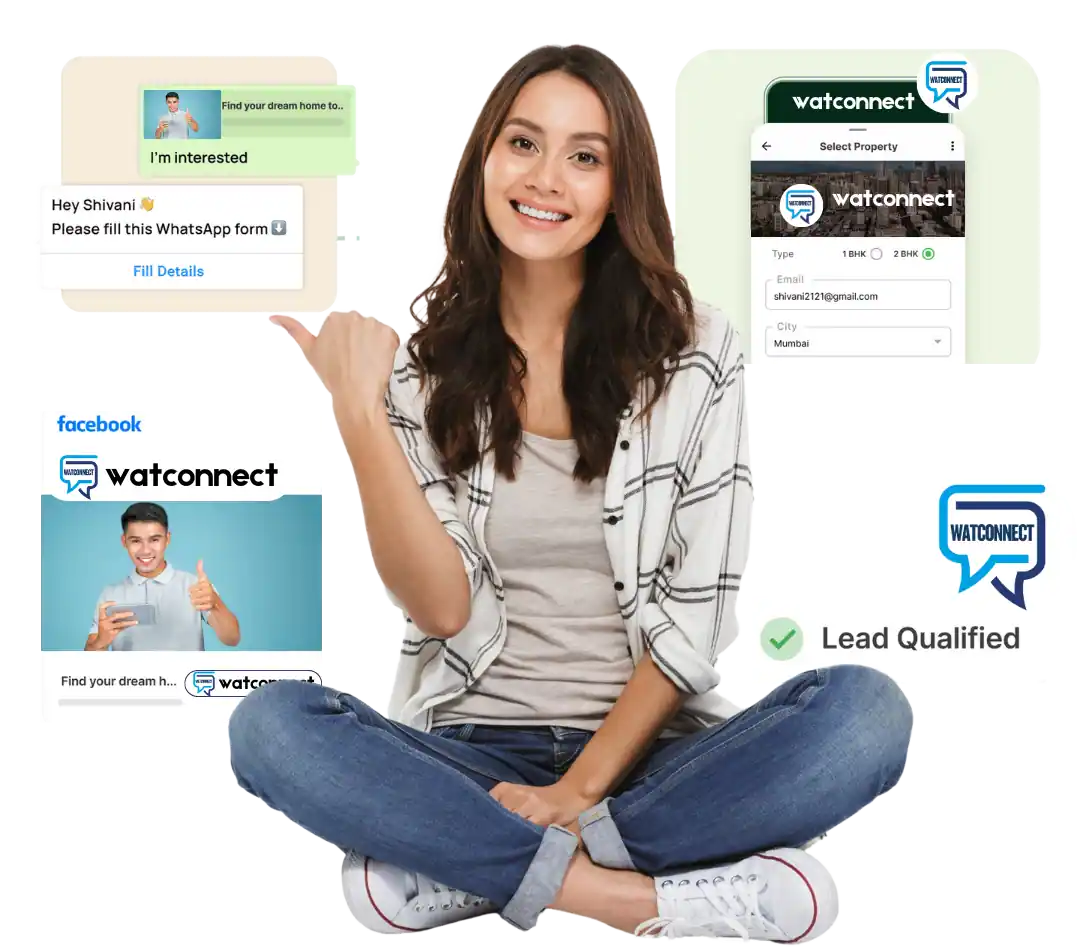
E-commerce Order Tracking
Lead Follow-Up Automation

Appointment & Reminders
EdTech Enrollment Notifications





Why Choose WatConnect for Automating Customer Conversations?
WatConnect simplifies customer communication with fast, automated WhatsApp chats triggered by orders, forms, and user actions.
With advanced WhatsApp chatbot for business features, structured workflows, and instant alerts, you save time, respond faster, and deliver a better customer experience. Your audience stays informed and engaged around the clock with zero manual effort.24/7
Frequently Asked Questions
Cover no-code vs API setup, triggers, chatbot differences, integrations and human handover.
What is the difference between a chatbot and conversation automation?
Conversation automation can include event-triggered messages, routing and workflow actions. A chatbot is a conversational interface that responds to customer inputs. Some systems use both.
Can workflows send order updates automatically?
Yes, if the order event can be connected to a supported WatConnect workflow and the message follows WhatsApp requirements.
Can a human agent take over an automated chat?
Human handover depends on the inbox and routing features enabled in your setup. Confirm the exact handover process with WatConnect.