
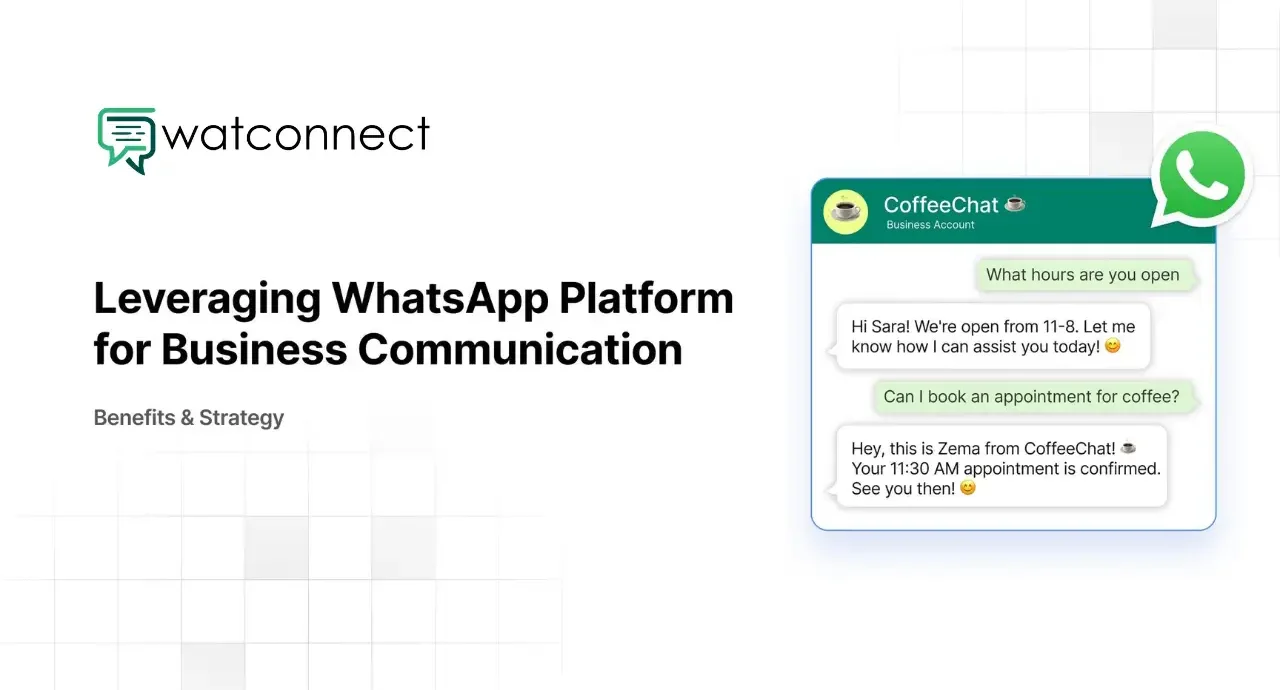
WhatsApp is used by businesses for direct communication with customers. It supports messaging, updates, and response handling in a single platform. This guide explains how to use WhatsApp for business growth using structured steps.
Businesses use WhatsApp to manage customer queries, send updates, and maintain communication flow. The platform supports text, media, and interactive messaging, which allows businesses to handle different communication needs.
WhatsApp marketing guide for businesses
Step 1: Set Up WhatsApp Business Account
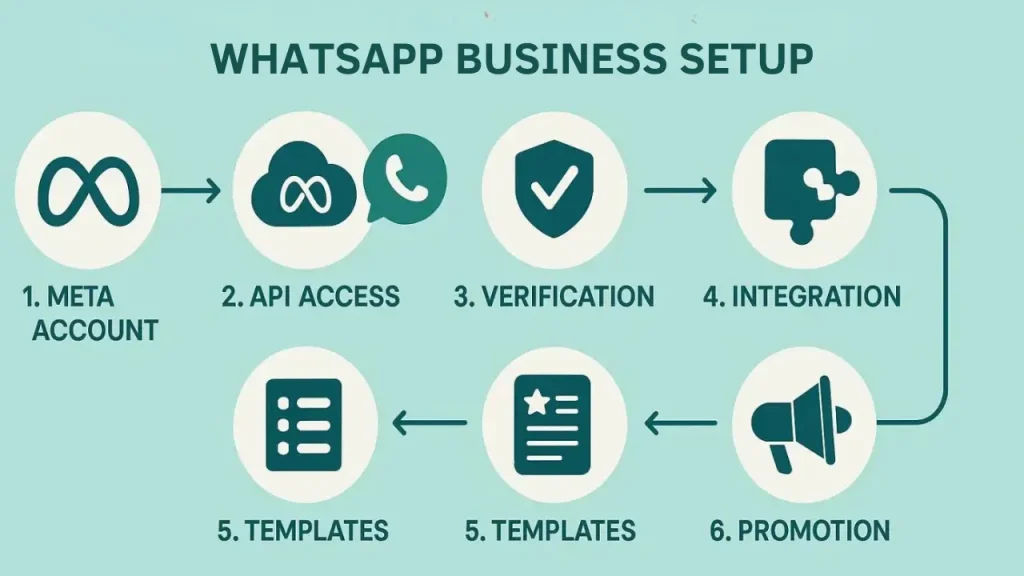
The first step is to set up a WhatsApp Business account. This includes adding a business name, description, working hours, and contact details. A complete profile provides clarity to customers and supports trust in communication.
Businesses should also configure greeting messages and quick replies. These settings help in managing initial conversations and reduce response delays.
Step 2: Collect Customer Contacts with Consent
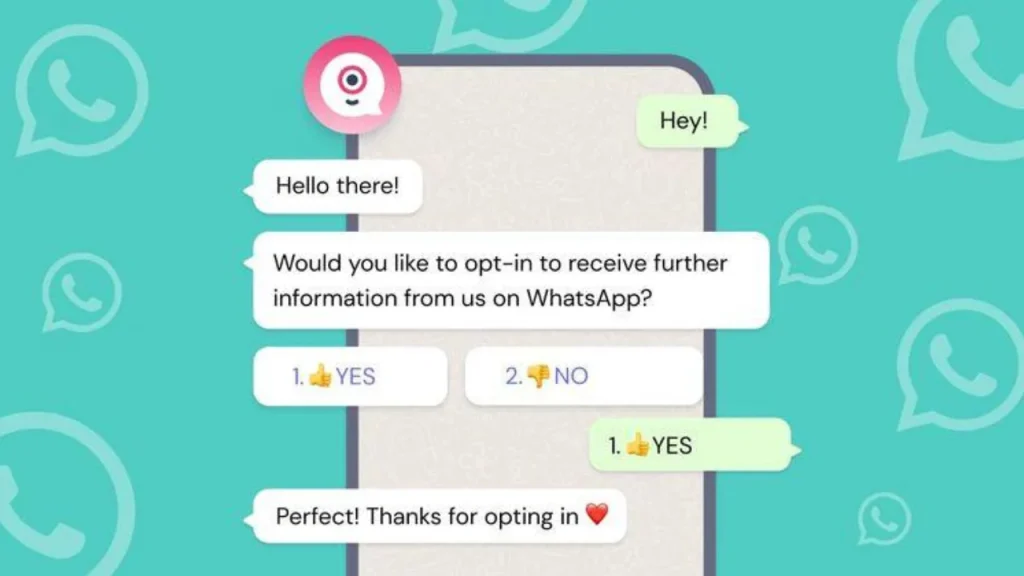
Customer contact collection should follow consent-based methods. Businesses can collect contacts through website forms, landing pages, and social media campaigns.
Clear consent ensures compliance with messaging policies and improves message response rates. Contacts collected through proper channels are more likely to engage with messages.
Step 3: Create Structured Messaging Flow
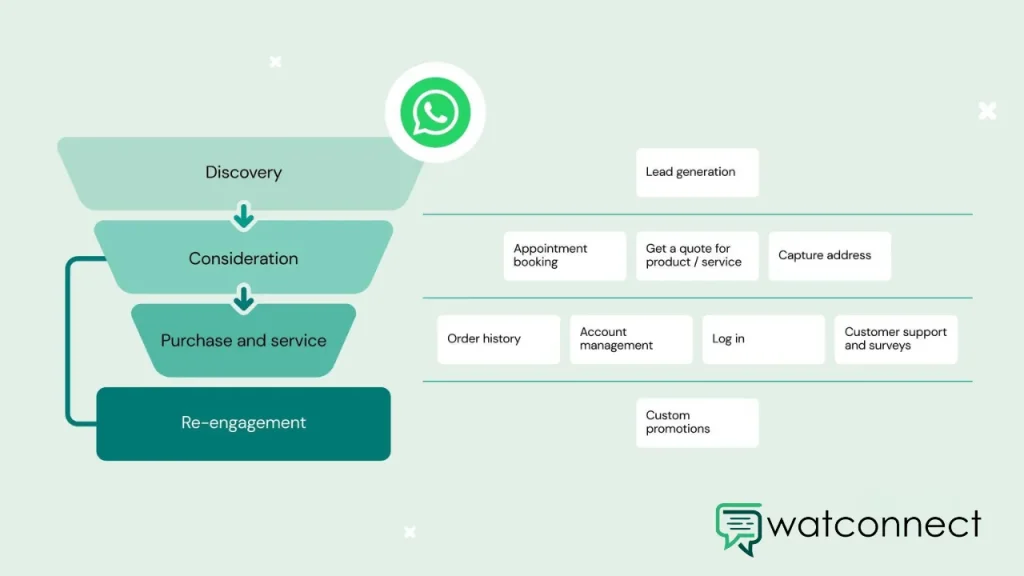
Structured messaging is important for consistent communication. Businesses should define message types such as welcome messages, follow-ups, and support responses.
A clear messaging flow helps in guiding customers through different stages such as inquiry, decision, and purchase. This structure improves communication clarity and reduces confusion.
Step 4: Use Broadcast Messaging for Updates
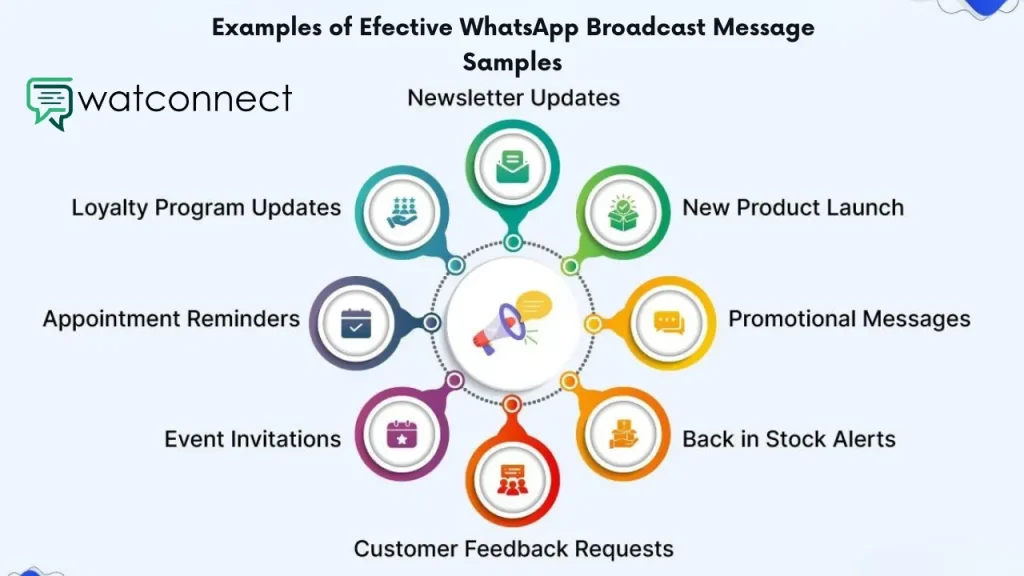
Broadcast messaging allows sending messages to multiple users at once. Businesses use this feature for updates, offers, and announcements.
Messages should remain relevant and limited in frequency. This helps in maintaining user interest and avoids message overload. Proper segmentation of contacts improves message relevance.
Step 5: Use Automation and Chatbots

Automation helps in handling repetitive communication tasks. Chatbots respond to common queries and manage initial conversations.
Automation systems also support message scheduling, follow-ups, and lead handling. This reduces manual workload and ensures consistent communication.
WatConnect provides automation features, chatbot workflows, and messaging tools. It supports structured communication and centralized management.
Step 6: Use WhatsApp Product Catalog
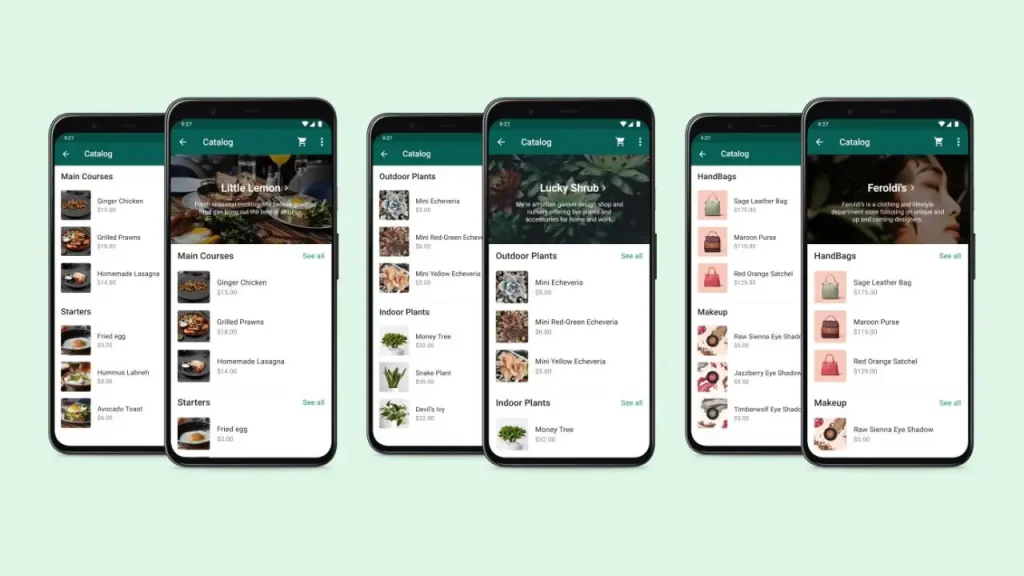
WhatsApp product catalog allows businesses to display products within chats. Customers can view product details and make decisions without leaving the conversation.
This reduces steps in the purchase process and supports faster decision-making. It also simplifies product presentation and communication.
Step 7: Track Performance with Analytics
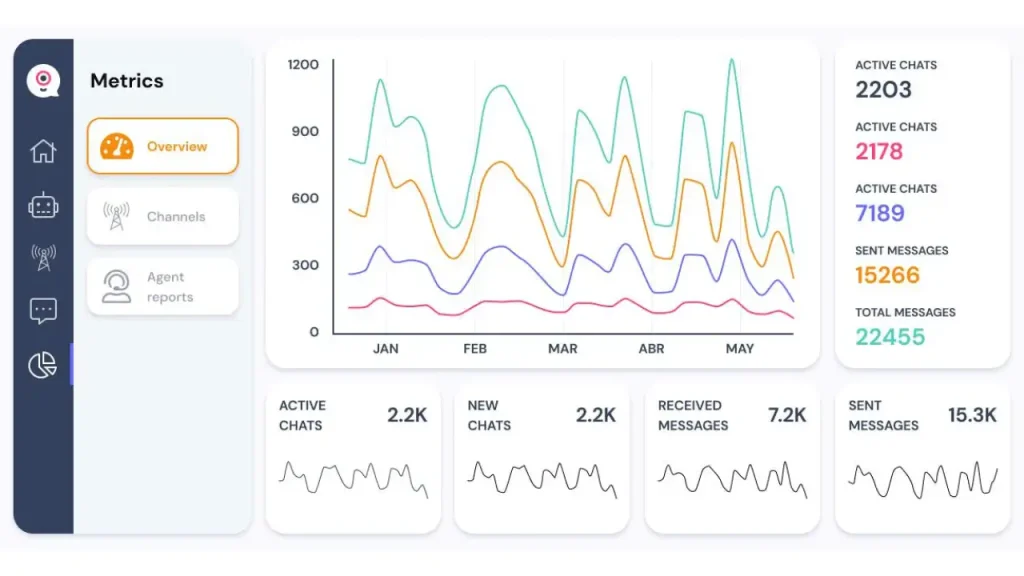
Tracking performance is necessary to evaluate communication effectiveness. Businesses can monitor message delivery, read rates, and response levels.
These insights help in adjusting messaging strategies and improving communication quality. Data-based decisions support better outcomes over time.
Step 8: Integrate WhatsApp API for Scaling

For large-scale operations, WhatsApp Business API is used. It allows integration with CRM systems, automation tools, and external platforms.
API integration supports high-volume messaging and structured workflows. It is used by businesses that manage large customer bases and require scalable communication systems.
Common Use Cases for Business Growth
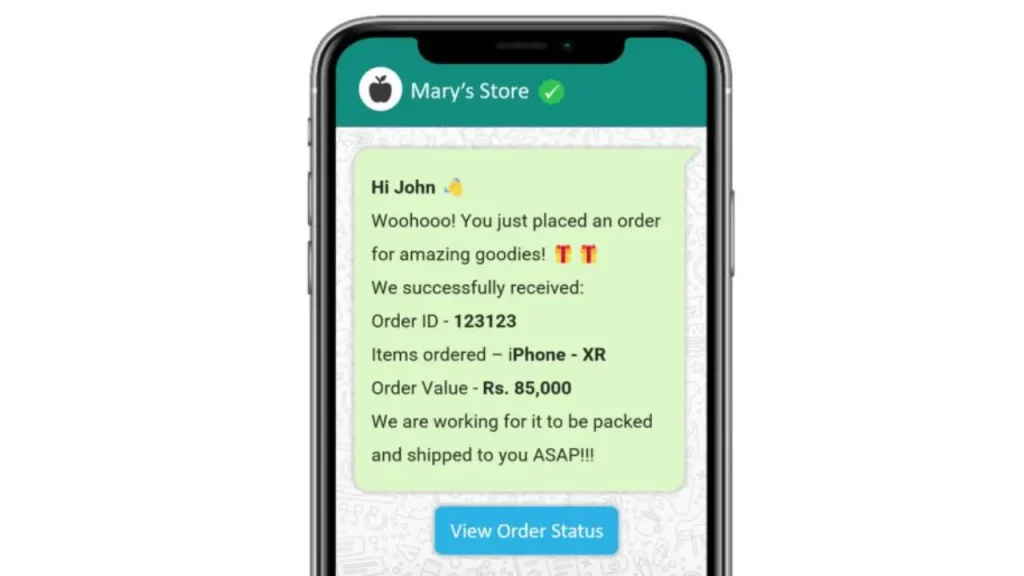
Businesses use WhatsApp for multiple purposes such as order confirmations, delivery updates, and appointment reminders. It is also used for customer support and lead follow-ups.
Promotional messaging and product updates are also managed through WhatsApp. This supports communication across different business functions.
Best Practices for WhatsApp Business Growth
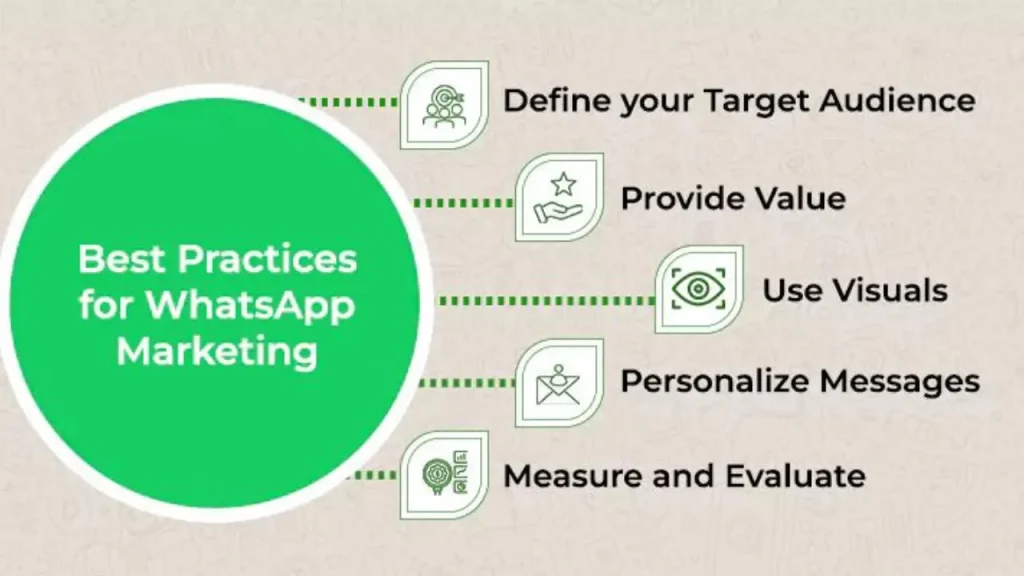
Consent-based messaging should always be followed. Messages should remain relevant and structured. Frequency control is important to maintain communication balance.
Automation tools can help in managing responses and maintaining consistency. Clear and simple communication formats improve understanding and response rates.
FAQs
Q1. How to use WhatsApp for business growth?
Businesses use WhatsApp for messaging, automation, customer support, and product communication.
Q2. Is WhatsApp Business free to use?
Yes, the basic WhatsApp Business app is free. API usage may involve costs.
Q3. Can WhatsApp be used for sales?
Yes, businesses use messaging, catalogs, and follow-ups to manage sales.
Q4. What is WhatsApp automation?
Automation uses chatbots and workflows to handle messages and responses.
Q5. Is WhatsApp suitable for small businesses?
Yes, it supports direct communication and structured messaging.
Conclusion
This guide explains how to use WhatsApp for business growth through structured steps such as setup, messaging, automation, and API integration. Businesses use these methods to manage communication, improve response handling, and support customer interaction processes.CTA: Manage business communication and automation using WatConnect.