
Have you ever received a phone number and needed to send a WhatsApp message immediately, but did not want to save that number in your contacts?
This happens more often than you might think. You may need to message a delivery person, customer, vendor, service provider, business inquiry, or someone you only plan to contact once. Saving every temporary number can quickly fill your contact list with names and numbers you may never use again.
Fortunately, you do not need to save a number before starting every WhatsApp conversation.
There are simple ways to send WhatsApp messages without saving the number on your phone or computer. In this guide, you will learn three easy methods, understand which option is best for different situations, and discover how businesses can make this process more efficient.
Why You May Not Want to Save Every WhatsApp Number
Saving contacts is useful when you communicate with someone regularly. However, it is unnecessary for many one-time conversations.
For example, you may need to contact:
- A delivery driver
- An online seller
- A new customer
- A vendor or supplier
- A customer support representative
- A service professional
- A temporary business contact
- Someone responding to your inquiry
If you save every one of these numbers, your phonebook can become difficult to manage.
Starting a WhatsApp chat without saving the contact helps you keep your contact list focused on the people you actually communicate with regularly.
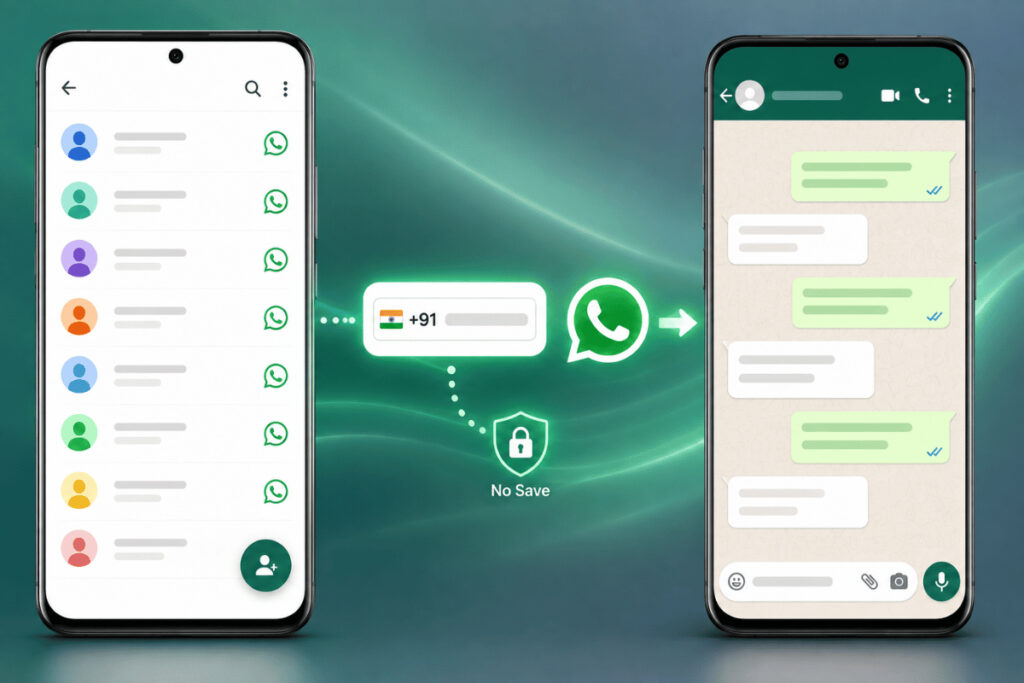
3 Easy Ways to Send a WhatsApp Message Without Saving the Number
The best method depends on how often you need to contact unsaved numbers.
For a quick one-time message, WhatsApp’s direct chat link is usually the easiest option. If you frequently contact new customers or leads, a messaging platform may offer a more convenient workflow. Desktop users can also start unsaved chats through WhatsApp Web.
Let’s look at each method.
Method 1: Use WhatsApp Click-to-Chat
The easiest way to start a WhatsApp conversation without saving a number is by using WhatsApp’s Click-to-Chat feature.
This method uses a direct link that opens a WhatsApp conversation with a specific phone number.
The basic format is:
You simply replace PhoneNumber with the recipient’s complete phone number, including the country code.
For example, if you want to contact an Indian number, the format would look like this:
In this example:
91is the country code for India.9876543210is the recipient’s phone number.
The number should be entered correctly to open the chat.
How to Use the Click-to-Chat Method
Step 1: Open a browser
Open Chrome, Safari, Edge, or another browser on your phone or computer.
Step 2: Enter the WhatsApp link
Type the wa.me format followed by the complete phone number.
Step 3: Check the number format
Make sure the number includes the correct country code.
Do not add unnecessary spaces or symbols.
Step 4: Open the link
Press Enter or Go.
Step 5: Continue to the chat
WhatsApp will open the conversation page for that number.
You can now type and send your message without creating a new contact.
Example of Correct Number Formatting
| Number Format | Example |
|---|---|
| Correct format | 919876543210 |
| With country code | 91 + phone number |
| With spaces | Avoid |
| With brackets | Avoid |
| With dashes | Avoid |
The main thing to remember is that the number should be entered in the correct international format.
When Is Click-to-Chat the Best Option?
This method is ideal when:
- You need to send a quick one-time message.
- You do not want to install another tool.
- You are using Android or iPhone.
- You want to start a chat from your desktop.
- You only contact unsaved numbers occasionally.
For many users, this is the fastest and simplest method.
Method 2: Use a WhatsApp Messaging Tool
If you frequently send WhatsApp messages to numbers that are not saved in your contacts, manually creating a direct chat link every time may become repetitive.
A WhatsApp messaging tool can make this process more convenient.
Instead of manually typing a link, you can generally enter the phone number into the tool and open a WhatsApp conversation directly.
Depending on the platform and workflow, you may be able to enter:
- Country code
- Phone number
- Message details
The tool can then help you move directly into the WhatsApp conversation.
This approach can be especially useful for businesses that regularly receive inquiries from new customers.
Why Businesses May Need This
Imagine a business receiving new WhatsApp inquiries throughout the day.
A team member may need to:
- Copy the customer’s number.
- Save it to contacts.
- Open WhatsApp.
- Search for the saved contact.
- Start the conversation.
- Delete the contact later if it is no longer needed.
This creates unnecessary steps.
A more efficient workflow can look like this:
New Customer Number → Start WhatsApp Conversation → Respond → Manage the Interaction
This reduces unnecessary contact saving and can help teams focus more on communication.
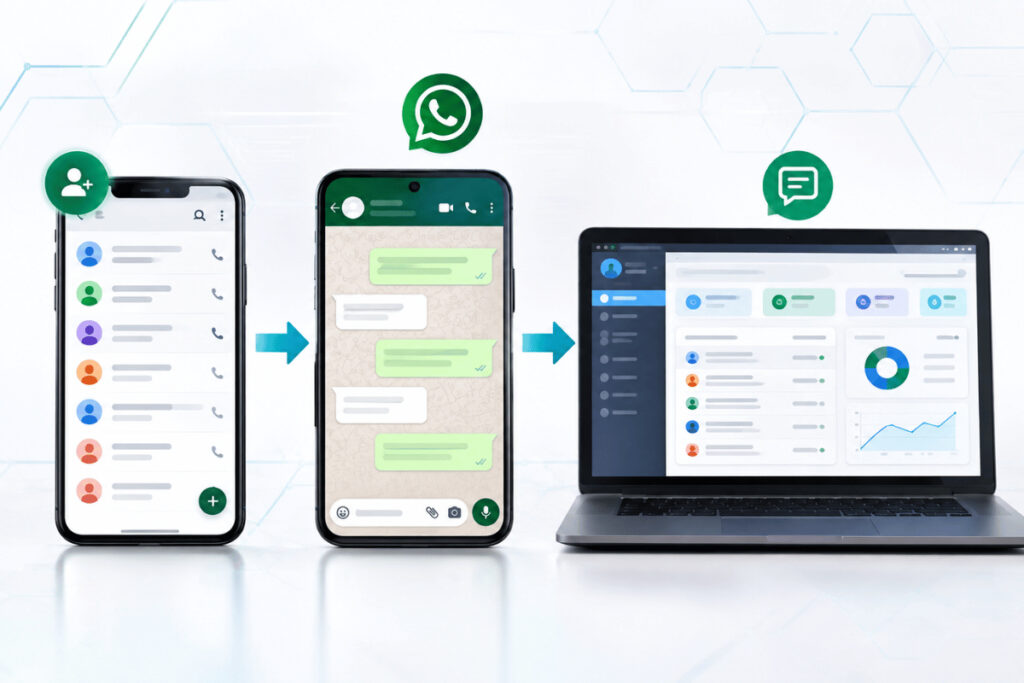
A Better Workflow for Frequent Conversations
For businesses handling many customer inquiries, using a dedicated communication platform can be more practical than managing every conversation manually.
A structured WhatsApp workflow can help businesses:
- Start conversations faster.
- Reduce unnecessary manual steps.
- Keep customer communication organized.
- Manage new inquiries more efficiently.
- Avoid cluttering employee contact lists.
- Create a smoother communication process.
For businesses that regularly communicate with customers on WhatsApp, WatConnect can help support a more organized communication workflow.
Instead of treating every new phone number as a permanent contact, businesses can focus on starting relevant conversations and managing customer interactions efficiently.
Method 3: Use WhatsApp Web on Your Computer
If you spend most of your working day on a desktop or laptop, you may not want to pick up your phone every time you need to contact a new number.
In this situation, WhatsApp Web can be a convenient option.
You can use a direct WhatsApp chat link from your browser and start a conversation without first adding the number to your phone contacts.
How to Message an Unsaved Number Using WhatsApp Web
Step 1: Open WhatsApp Web
Open WhatsApp Web in your browser and connect your account.
Step 2: Open a new browser tab
Keep WhatsApp Web open and create another tab.
Step 3: Enter the direct chat format
Use:
Replace PhoneNumber with the complete recipient number and country code.
Step 4: Open the conversation
The link will direct you to the WhatsApp chat for that number.
Step 5: Send your message
Once the conversation opens, you can type your message and send it.
This method is useful when you are already working from your computer and need to contact someone quickly.
Who Can Benefit Most from This Method?
WhatsApp Web is particularly useful for:
- Sales teams
- Customer support teams
- Small business owners
- Freelancers
- Online businesses
- Service providers
- Teams handling customer inquiries
For people who communicate with many customers during the day, desktop-based messaging can make the process more convenient.
Which Method Should You Choose?
Here is a simple comparison to help you choose the right option.
| Method | Best For | Ease of Use |
|---|---|---|
| Click-to-Chat | One-time or occasional messages | Very Easy |
| WhatsApp Messaging Tool | Frequent new contacts | Easy |
| WhatsApp Web | Desktop-based communication | Easy |
If you only need to contact an unsaved number occasionally, the Click-to-Chat method is usually enough.
If you regularly communicate with new customers, vendors, or leads, a messaging tool may help simplify your workflow.
If you work from a computer, WhatsApp Web can make it easier to start conversations directly from your desktop.
Important Things to Remember Before Sending a Message
Sending a WhatsApp message without saving the number is simple, but a few small mistakes can prevent the chat from opening correctly.
Use the Correct Country Code
Always include the correct country code.
For example:
- India:
91 - United States:
1 - United Kingdom:
44 - UAE:
971
The country code should match the recipient’s phone number.
Check the Number Carefully
Before starting the conversation, double-check the phone number.
A small typing mistake could:
- Open the wrong chat.
- Prevent the chat from opening.
- Lead to communication with the wrong person.
Avoid Incorrect Formatting
When using a direct chat link, keep the phone number in the correct format.
Avoid unnecessary:
- Spaces
- Brackets
- Dashes
- Extra symbols
Make Sure the Number Uses WhatsApp
The recipient must have an active WhatsApp account to receive a WhatsApp message.
If the number is not registered on WhatsApp, the conversation may not open successfully.
Use Responsible Communication
The ability to message an unsaved number is useful for quick communication, but messages should always be relevant and appropriate.
For businesses, customer communication should be handled professionally and responsibly.
How Businesses Can Make WhatsApp Communication More Efficient
For many businesses, WhatsApp is more than just a messaging app.
It can be used for:
- Customer inquiries
- Sales conversations
- Product questions
- Service requests
- Follow-ups
- Customer support
- Order-related communication
As the number of conversations grows, manually saving every phone number becomes less practical.
A business may receive dozens or hundreds of new contacts over time. Saving each one manually can create extra work and make contact management difficult.
A more organized workflow focuses on the conversation instead of the contact-saving process.
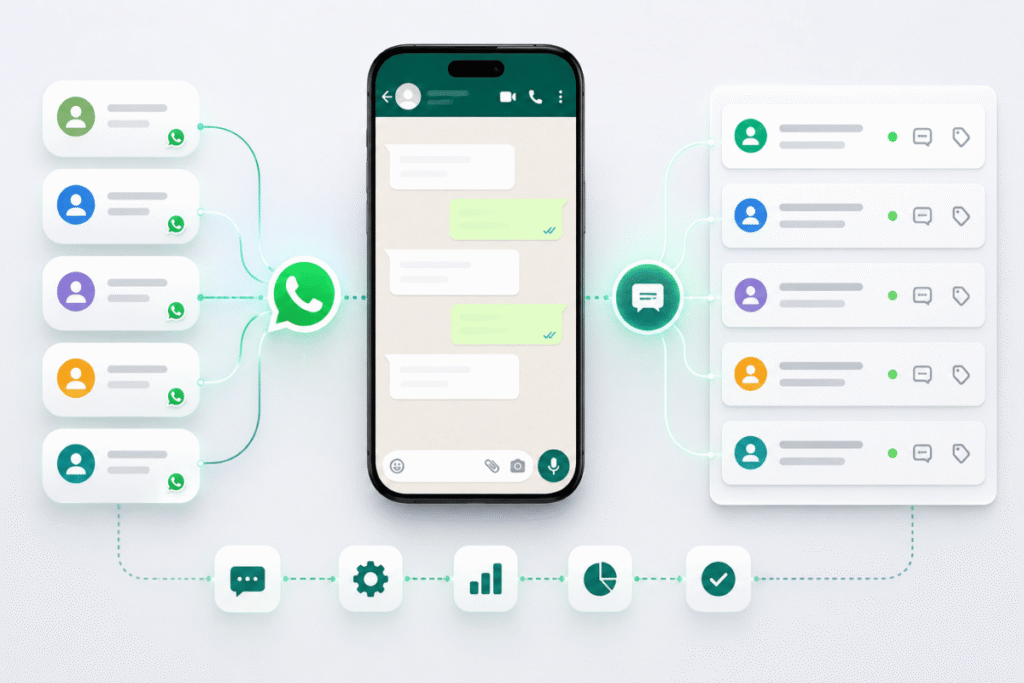
For growing teams, an organized communication platform can help create a smoother process from the first customer message to ongoing communication.
A solution like WatConnect can help businesses support a more structured WhatsApp communication workflow and manage customer interactions more efficiently.
Frequently Asked Questions
Can I send a WhatsApp message without saving the number?
Yes. You can start a WhatsApp conversation without saving the phone number by using a direct Click-to-Chat link or a suitable messaging workflow.
How do I send a WhatsApp message to an unsaved number?
You can use a direct WhatsApp link in this format:
Replace the placeholder with the complete phone number and country code.
Do I need to install another app?
No. The Click-to-Chat method can be used without installing another app. You can open the direct link in your browser and continue to WhatsApp.
Does this work on Android?
Yes. Android users can use a browser-based direct WhatsApp chat link to start a conversation with an unsaved number.
Can iPhone users message an unsaved number on WhatsApp?
Yes. iPhone users can also use the Click-to-Chat method through a browser to start a WhatsApp conversation without first saving the contact.
Can I send a WhatsApp message without saving the number on my computer?
Yes. You can use a direct chat link with WhatsApp Web to start a conversation from a desktop or laptop.
What is the easiest method to message an unsaved number?
For most users, the Click-to-Chat method is one of the easiest options because it only requires the recipient’s complete phone number and the correct country code.
Do I need to include the country code?
Yes. The complete international phone number format is important when creating a direct WhatsApp chat link.
Why is my WhatsApp direct chat link not working?
The link may not work because:
- The phone number is incorrect.
- The country code is missing.
- The number format is incorrect.
- Extra spaces or symbols were added.
- The recipient does not have an active WhatsApp account.
Check the number carefully and try again.
Can I message an international number without saving it?
Yes. You can message an international number without saving it as long as you use the correct country code and phone number format.
Can businesses use this method to contact customers?
Yes. Businesses can use direct messaging workflows to start conversations with new customer inquiries.
For businesses that handle frequent customer communication, a structured platform can help make the process more organized.
Why should businesses avoid saving every customer number manually?
Saving every temporary customer number can create unnecessary work and clutter employee contact lists.
Businesses that regularly receive new inquiries may benefit from a workflow that allows conversations to begin quickly without requiring manual contact creation.
Is messaging an unsaved number useful for sales teams?
Yes. Sales teams often communicate with new leads and prospects. Starting a conversation directly can save time, especially when the contact is not yet a long-term business relationship.
Can I use this method for customer support?
Yes. It can be useful when a support team needs to contact a customer quickly without manually adding the customer’s number to a personal or business contact list.
Will the number automatically be saved after I send the message?
Starting a conversation with an unsaved number does not require you to create a permanent contact entry. You can decide later whether you want to save the number.
What should I do if I need to message many new numbers?
If you frequently communicate with new customers or leads, manually creating direct chat links may become repetitive. In that case, a business-focused WhatsApp communication platform can help create a more efficient workflow.
Final Thoughts
You do not need to save every phone number before sending a WhatsApp message.
Whether you need to contact a delivery person, customer, vendor, or temporary business contact, you can start a conversation directly using one of these three methods:
- WhatsApp Click-to-Chat
- A WhatsApp messaging tool
- WhatsApp Web
For occasional messages, the direct Click-to-Chat method is quick and simple. For businesses that regularly communicate with new customers, a more structured communication workflow can reduce manual work and help keep conversations organized.
By choosing the right method for your needs, you can start WhatsApp conversations faster while keeping your contact list clean and focused.
For businesses looking to manage WhatsApp communication more efficiently, WatConnect can support a smoother and more organized customer communication workflow.